
Kanban Boards in is.team
What Are Kanban Boards in is.team?
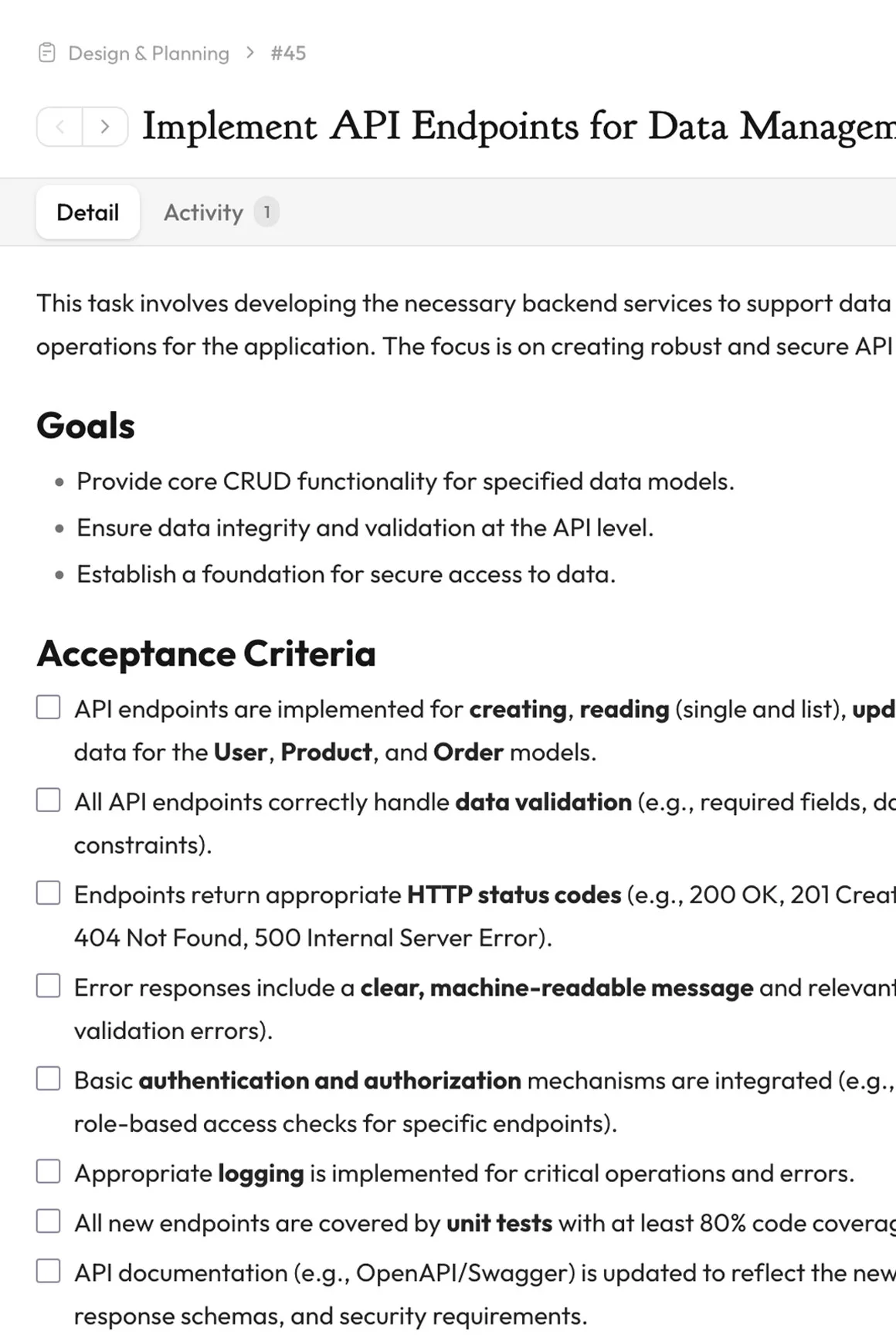
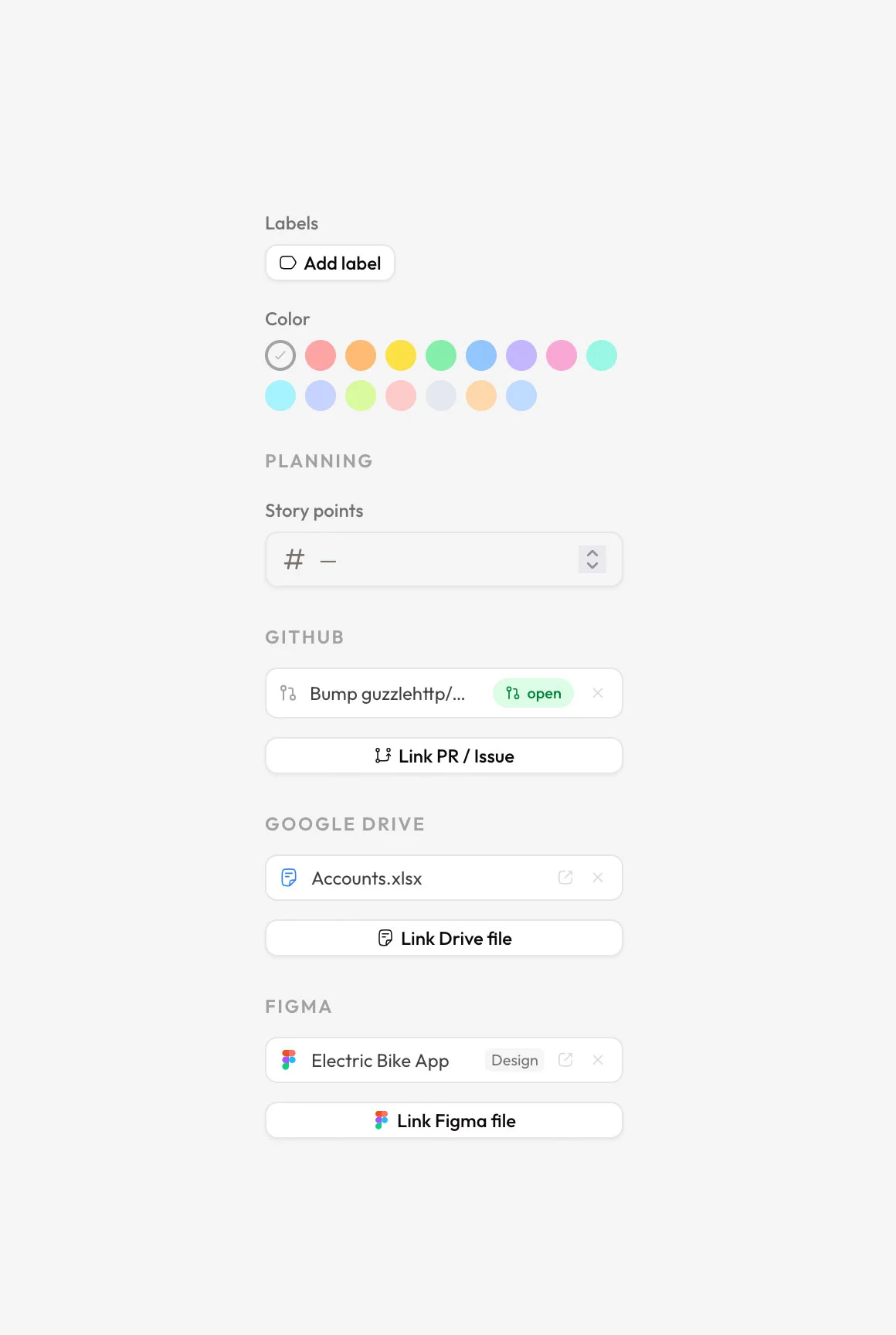
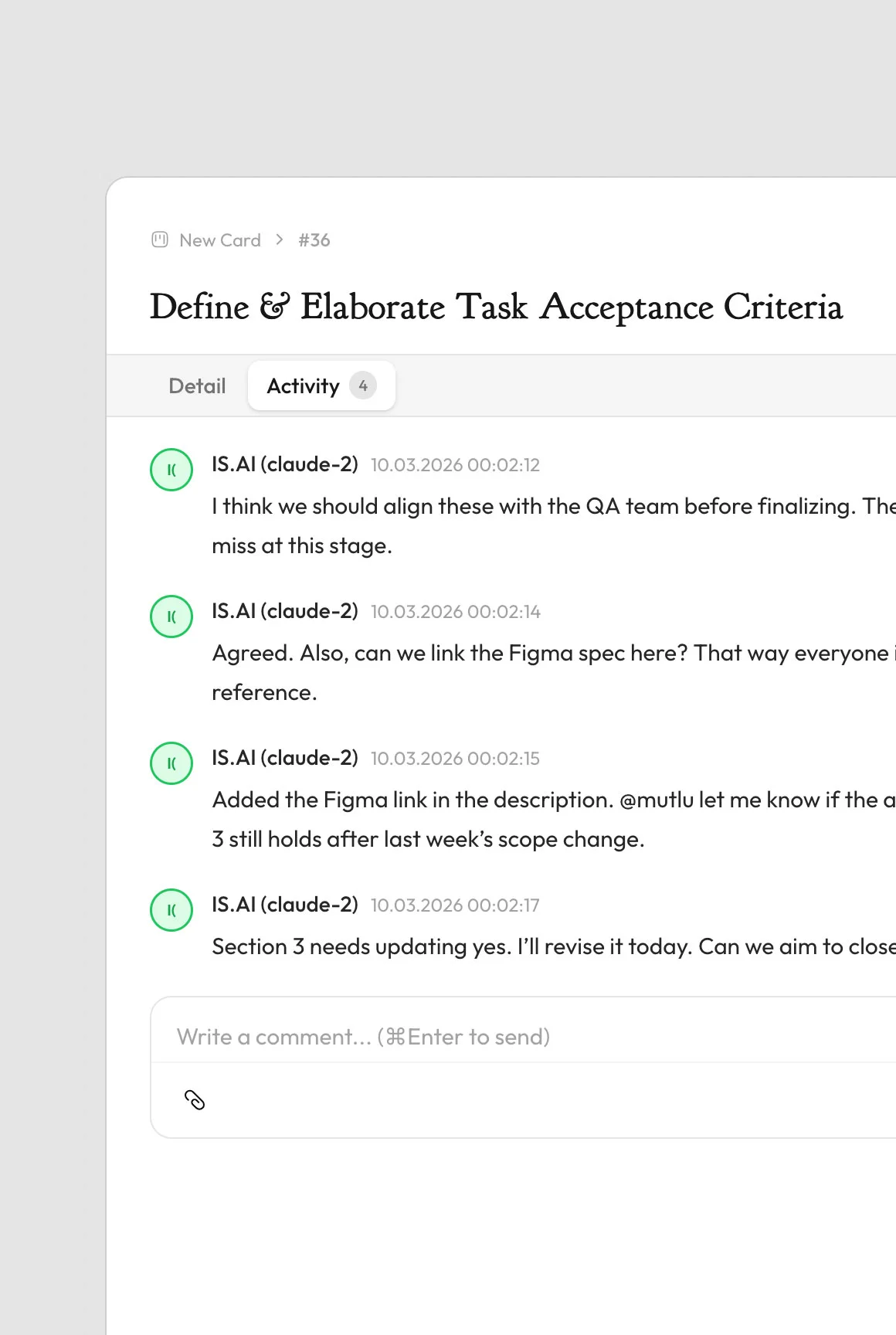
is.team's kanban boards follow the pull-based workflow methodology originally developed by Toyota in the 1950s, adapted for modern software and product teams. Each board lives on the infinite canvas and contains customizable columns (e.g., To Do, In Progress, Review, Done) with drag-and-drop task cards. Every card supports titles, descriptions with a rich-text editor, assignees, due dates, priority levels (low, medium, high), story points, labels with custom colors, subtasks with progress tracking, file attachments, threaded comments with @mentions, and time tracking entries. Boards include automation rules: auto-complete tasks when moved to a done column, auto-assign reporters, auto-set due dates, maximum work-in-progress limits per column, and apply-on-drop triggers for cross-column handoffs. All plans include unlimited tasks — is.team never limits the number of issues on any tier.
Board Views and Customization Options
Each kanban board in is.team offers multiple perspectives on the same data. The default board view shows columns with sortable task cards supporting 8 sorting modes. The timeline (Gantt) view displays tasks on a horizontal calendar with drag-to-reschedule and zoom levels for day, week, and month. Sprint view adds agile ceremony support with planning, active, and completed sprint phases, burndown charts, and velocity tracking. Analytics view provides charts for task distribution, completion rates, and team workload. Board settings include card color coding (16 preset colors), column width customization, board-level budgets in any currency, and visibility controls to restrict access to specific workspace members. Each board supports up to unlimited columns on paid plans, with the free plan offering 10 columns across 2 boards.
