

Infinite Canvas for Project Management
What is the is.team Infinite Canvas?
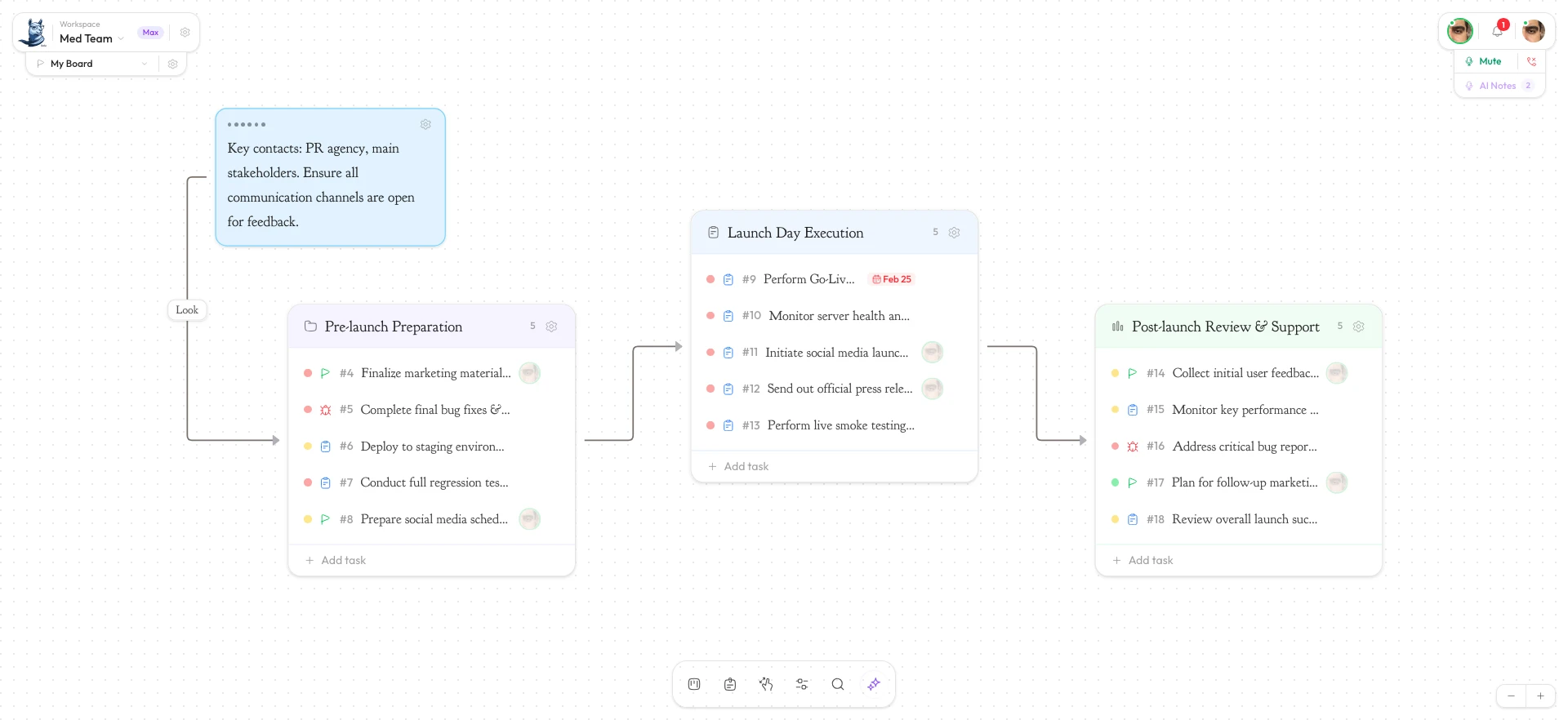
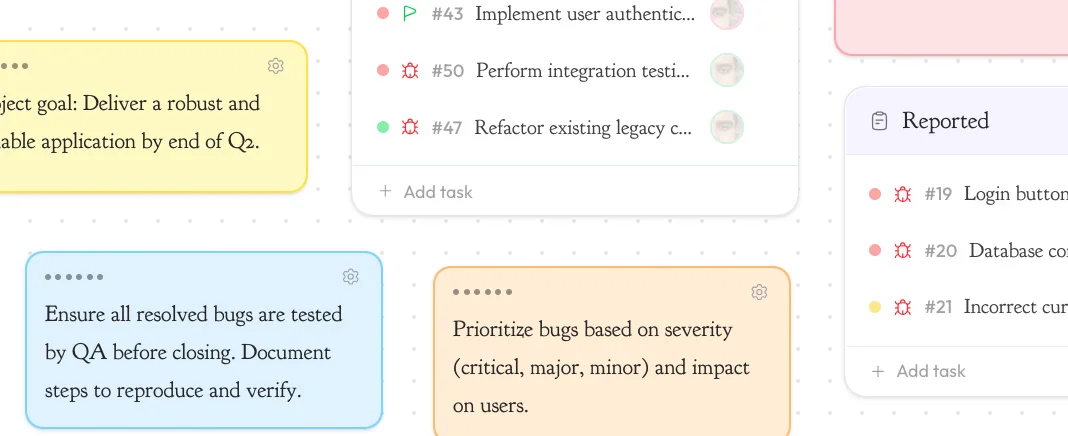
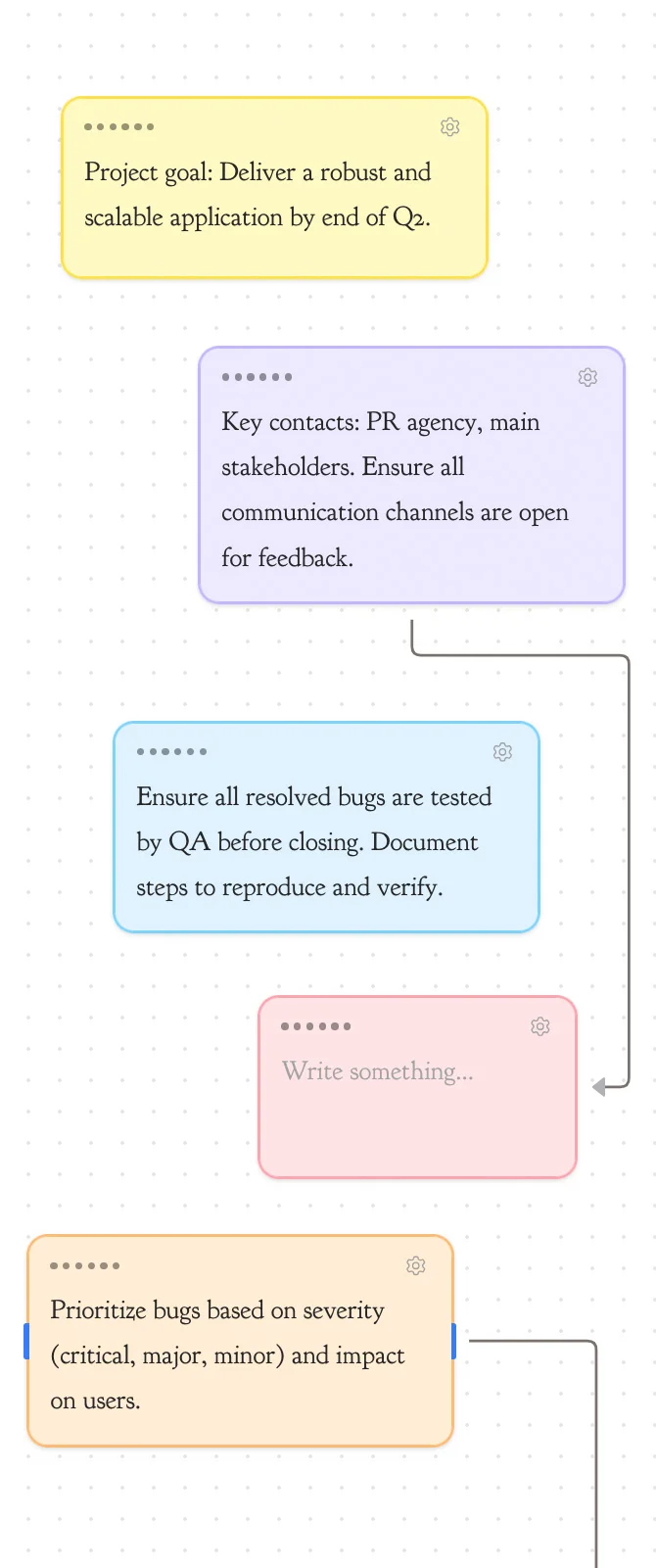
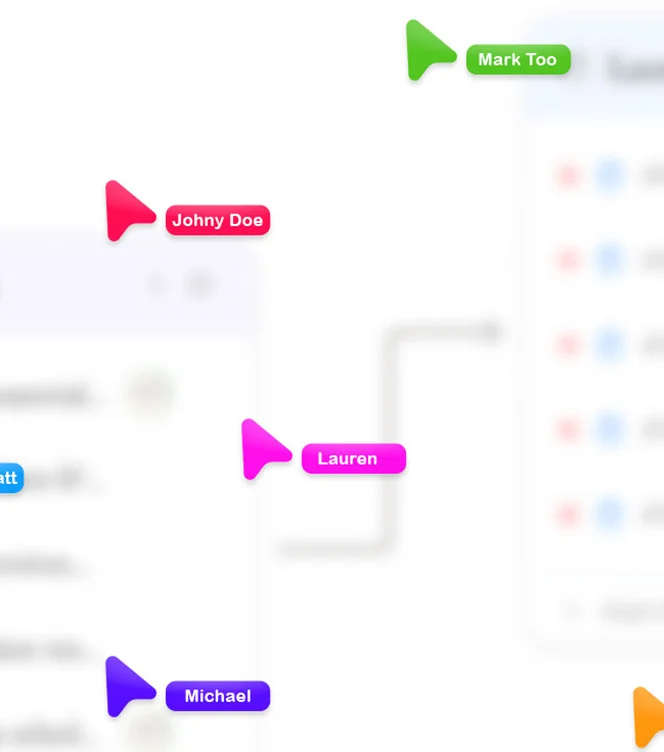
The is.team infinite canvas is a zoomable, pannable workspace where teams arrange multiple kanban boards, sticky notes, and rich-text documents side by side — similar to FigJam or Miro, but purpose-built for project management. Unlike traditional tools that confine each board to a separate page, is.team places everything on one spatial surface. Teams can zoom out to see all projects at once or zoom in to focus on a single sprint. Boards connect with labeled edges to visualize dependencies, handoffs, and workflows between teams. The canvas supports configurable grid snapping at 10, 20, or 40-pixel intervals, four background patterns (dots, lines, cross, or none), a mini-map for orientation, and per-user settings that persist across sessions. Built on React Flow and Firebase, every change syncs in real time across all connected browsers with sub-second latency.
How the Canvas Compares to Traditional Project Management Views
Most project management tools offer a single board per view — Trello shows one kanban board, Jira requires navigating between projects, and Linear provides a list-based interface. is.team's infinite canvas breaks this limitation by allowing unlimited boards on one surface, each with its own columns, tasks, and settings. Users can place a Product Roadmap board next to a Sprint Board and a Design Feedback board, then draw labeled connections between them to show how work flows from design to engineering to QA. This spatial approach reduces context-switching and gives product managers, designers, and engineers a shared visual language. The canvas is built for teams of 1 to 50, with plans starting at $0 per month for solo users and scaling to $39 per month for teams needing unlimited boards and advanced features.
