
is.team logois.team

Work together without
stepping on each other.

Live cursors, instant task updates, conflict-free co-editing, built-in voice calls, and smart notifications — so your whole team can move fast without getting in each other's way.

Live cursors & follow mode

Conflict-free co-editing

Built-in voice rooms

Alex Morgan
Jamie Chen
Sam Taylor
Riley Parker
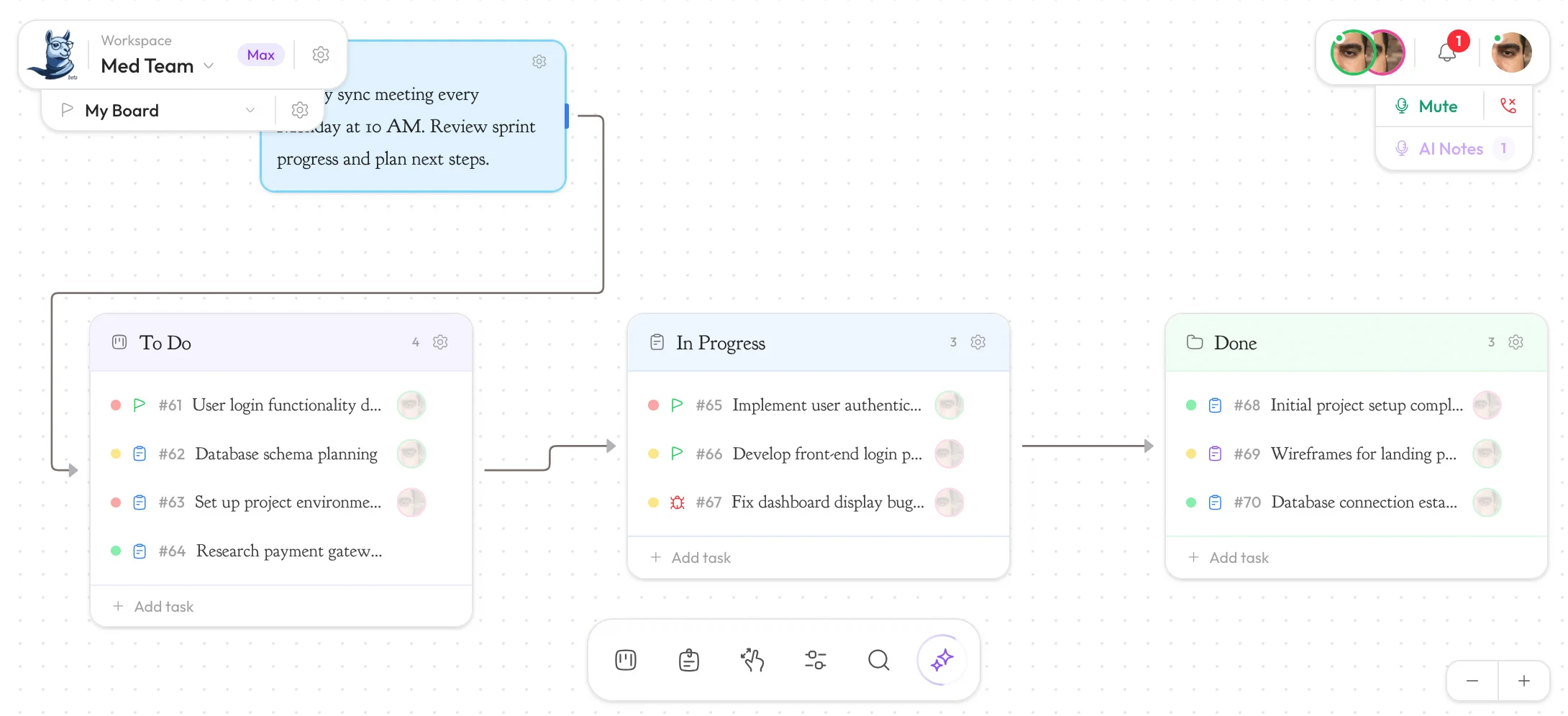
is.team canvas
Co-editing

See where your team is focused

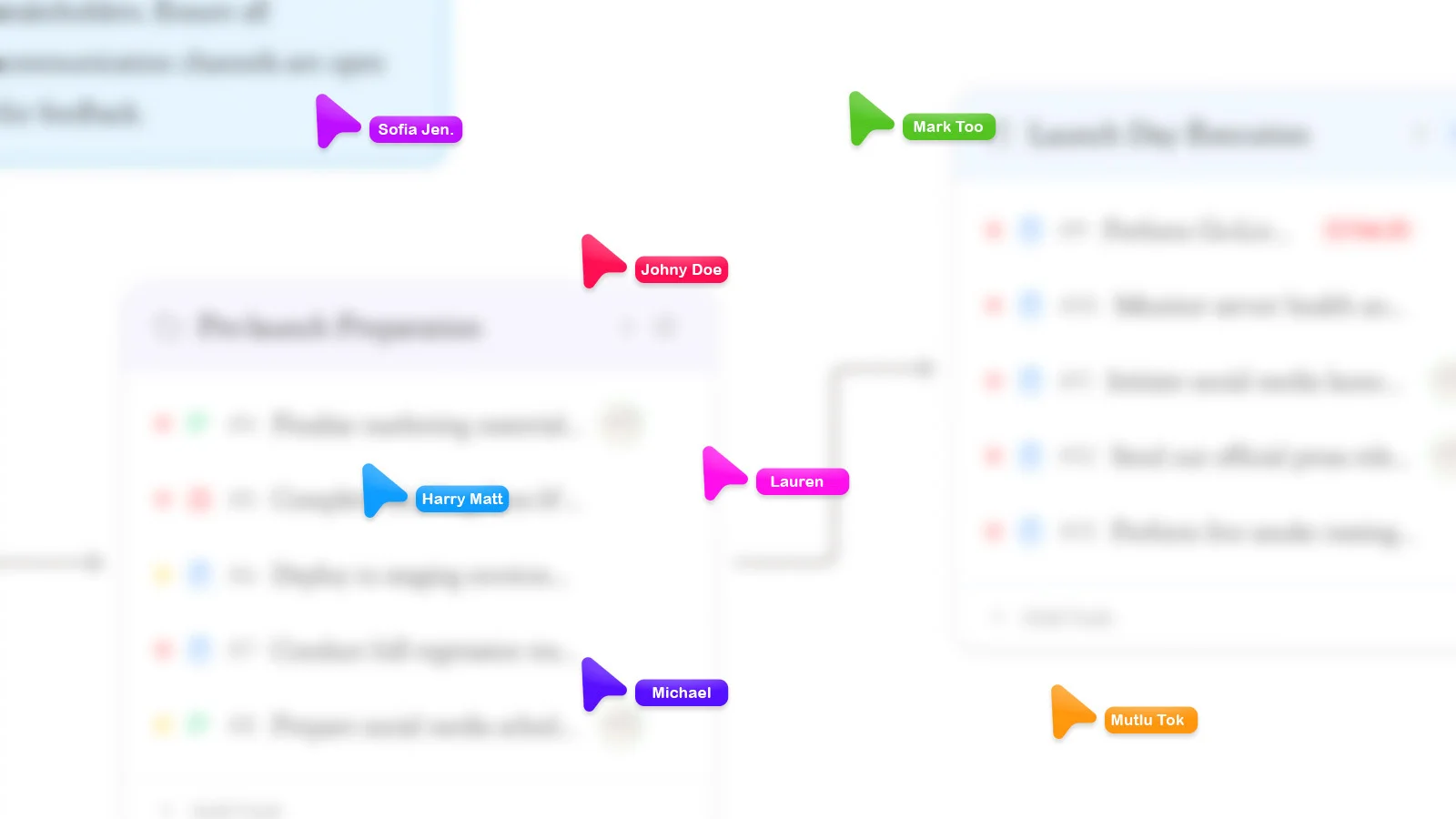
When two or more people open the same task, their cursors appear in real time — each labeled with the user's name, in their assigned color. You see exactly where a teammate is typing, and every change merges automatically via Yjs CRDT.

No conflicts. No last-write-wins overwrites. No refresh required. It works exactly like Google Docs — but inside your project tasks.

Named cursors

Each user gets a unique color and name label

CRDT merge

Yjs resolves every conflict automatically

Sub-100ms

Powered by Firebase Realtime Database

Auto-cleanup

Cursors vanish when a user navigates away

The onboarding flow needs a complete redesign.

AC

Alice

Product

Auth redirect on iOS Safari loops after login.

MR

Marcus

Engineering

Payment failure rate is 3.2% this week.

SC

Sarah

Design

Voice room should auto-stop recording after 2 hours.

AC

Alice

Product

The sprint board needs a "Blocked" column.

MR

Marcus

Engineering

Live Cursors

+

Follow Mode

+

Co-editing

+

Voice Rooms

+
Recording · 08:14
3 participants
A
Alice
M
Marcus
S
Sarah

AI transcription will extract action items when you stop recording.

Voice Rooms

No Zoom link.
It's already here.

Every workspace has a built-in voice room powered by Daily.co. Click the mic icon in the toolbar — teammates who are online get a notification and can join with one click. No download, no account required for participants.

Talk through a task while you're both in the task editor. Resolve a sprint debate while you're both staring at the same board. Then hang up and keep working.

WebRTC via Daily.co — low latency, no app required

One-click join for teammates already online

Optional recording with AI Meeting Notes integration

Available on Pro and Max plans

Learn about AI Meeting Notes
Notifications

The right alert, at the right time.

Three channels, zero spam. Preferences are per-user — you control what you receive without affecting your teammates' settings.

In-app

Bell icon, badge, panel

Assignments, mentions, and team events land in the notification panel. Badge updates in real time. Mark all read or clear individual items. No page refresh needed.

Task assignmentsComment mentionsTeam invitationsBadge in real time
Email

When you're not online

Important events arrive in your inbox with enough context to decide whether to open is.team immediately or respond later. Unsubscribe per notification type — not all-or-nothing.

Assignment emailsDirect mention alertsPer-type unsubscribeSent via Resend
Slack

Block Kit cards in your channel

Connect Slack in workspace settings. Task assignments and new comments post formatted Block Kit cards — task name, board, actor, and priority. No noise, no walls of text.

Block Kit formattedTask name & boardActor & priorityOwner setup only

Ready to collaborate in real time?

Your whole team, working together.

Live cursors and co-editing are free on Starter. Voice rooms and Meeting Notes come with Pro and Max. Start free — no credit card required.

is.team realtime collaboration

©2026 is.team — All rights reserved