
Desktop AppTrack time from
Track time from
your desktop.
A lightweight timer that sits on your screen. Search tasks, start tracking, stay focused. No browser tab required.
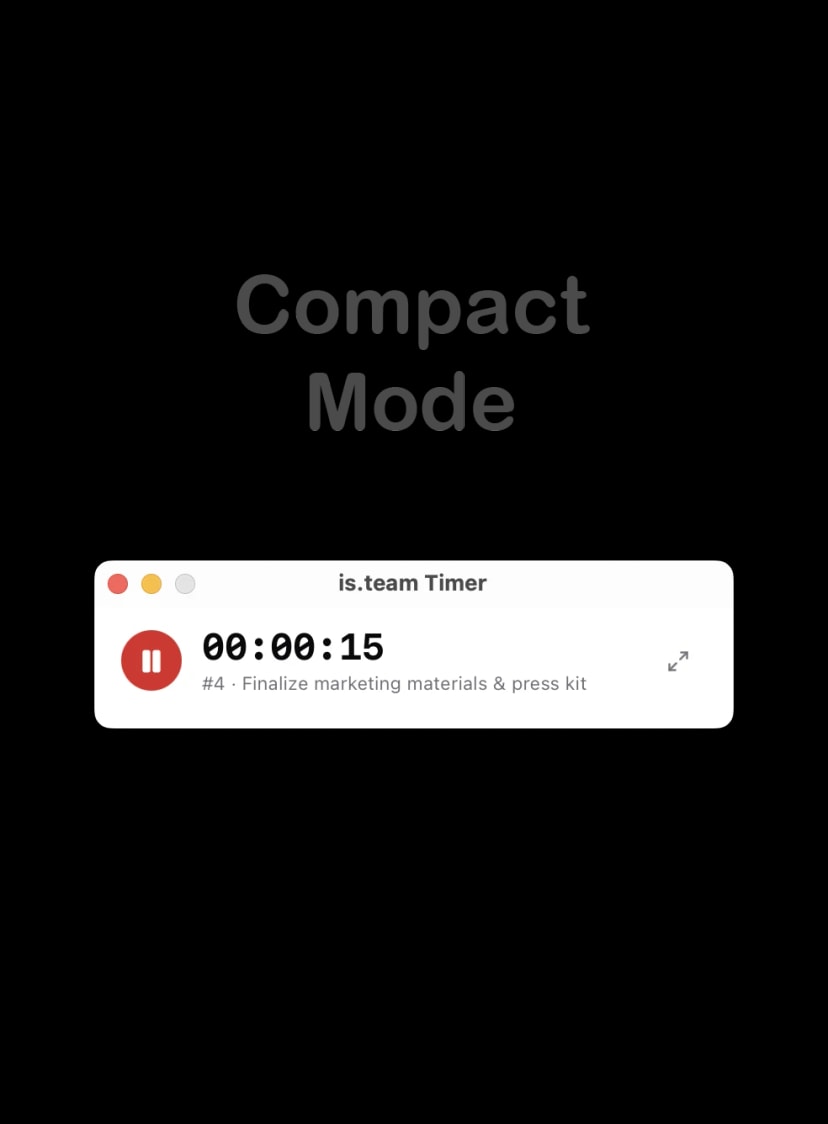
Timer Controls
Everything you need to track time, right on your desktop.
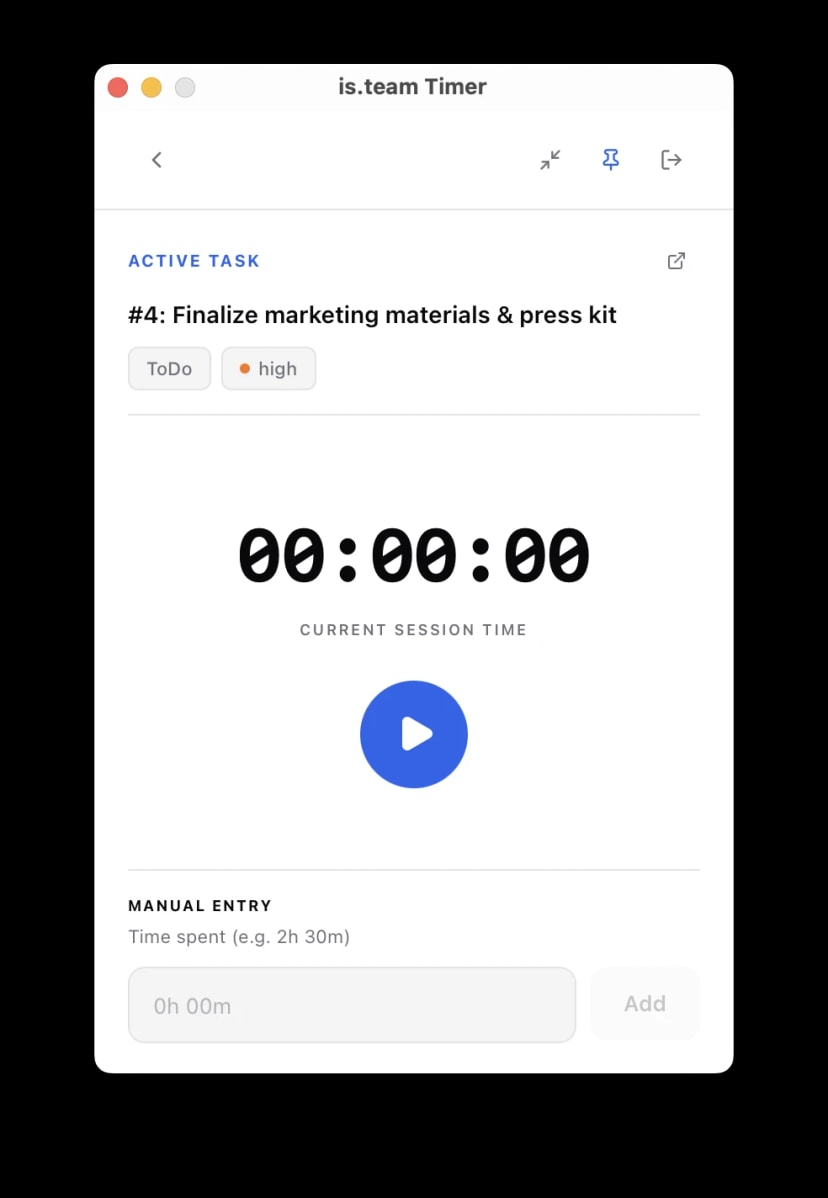
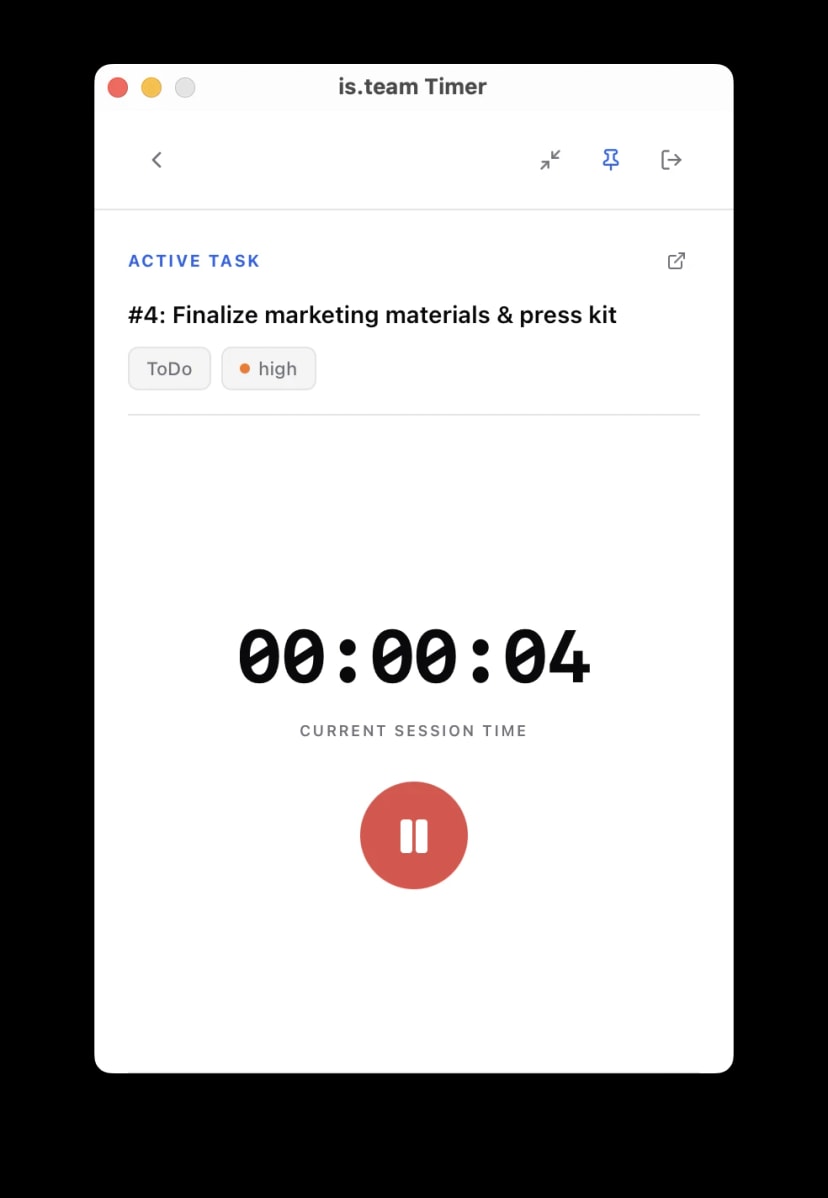
- One-click start & pause
- Manual time entry (e.g. 1h 30m)
- Save entry to server
- Reset & restart anytime
- Session time display
Window Modes
Fits your workflow whether you need full view or minimal.
- Always-on-top pin toggle
- Compact mode — tiny widget
- Full mode — task details visible
- Draggable window
- Remembers pin state
Task Search
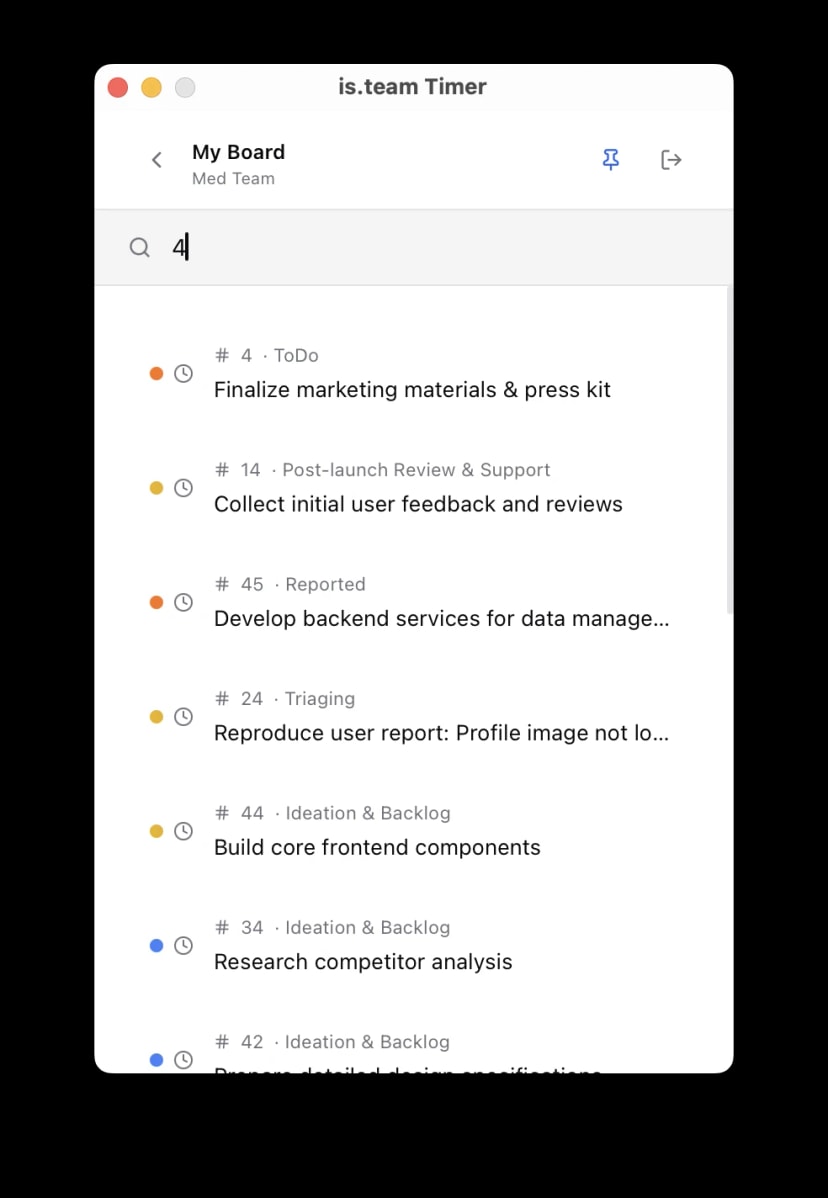
Find any task across your boards without leaving the app.
- Real-time search as you type
- Search by task name or number
- See priority & column status
- Open task in browser
- Preserves search on back
Data & Sync
Your time data stays safe and syncs when you're ready.
- Timer runs 100% locally
- Save sends data to server
- Works without constant internet
- Secure API token auth
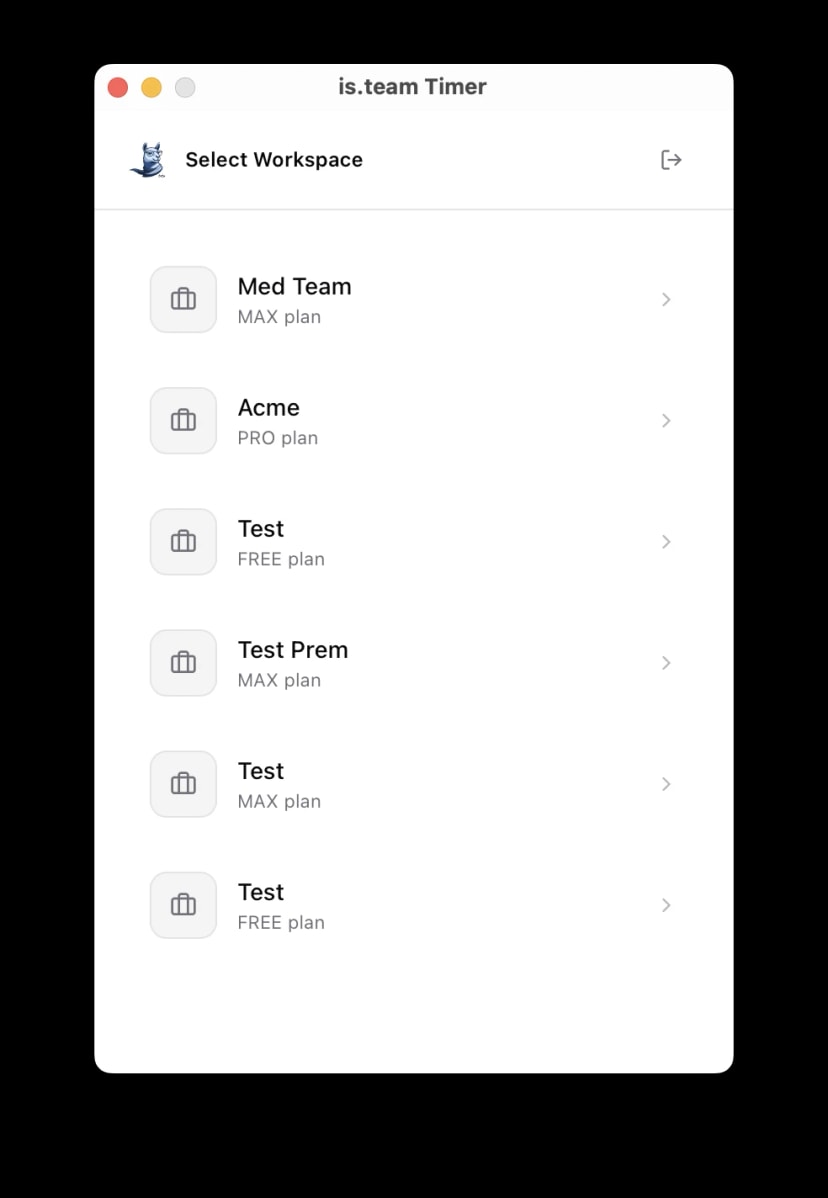
- Workspace & board selection
Up and running in 30 seconds.
Download, paste your token, and start tracking. No signup forms, no setup wizards, no friction.
1
Download & install
Grab the app for your OS. Open it. That's the hard part done.
2
Paste your API token
Go to Account Settings → API in is.team. Copy the token, paste it in the app.
3
Search & track
Pick your workspace and board. Search for a task, hit play. Pin the window and get to work.
Time tracking without the tab.
Download the desktop timer and keep tracking while you work.
