






Integrations in is.team
What Integrations Does is.team Support?
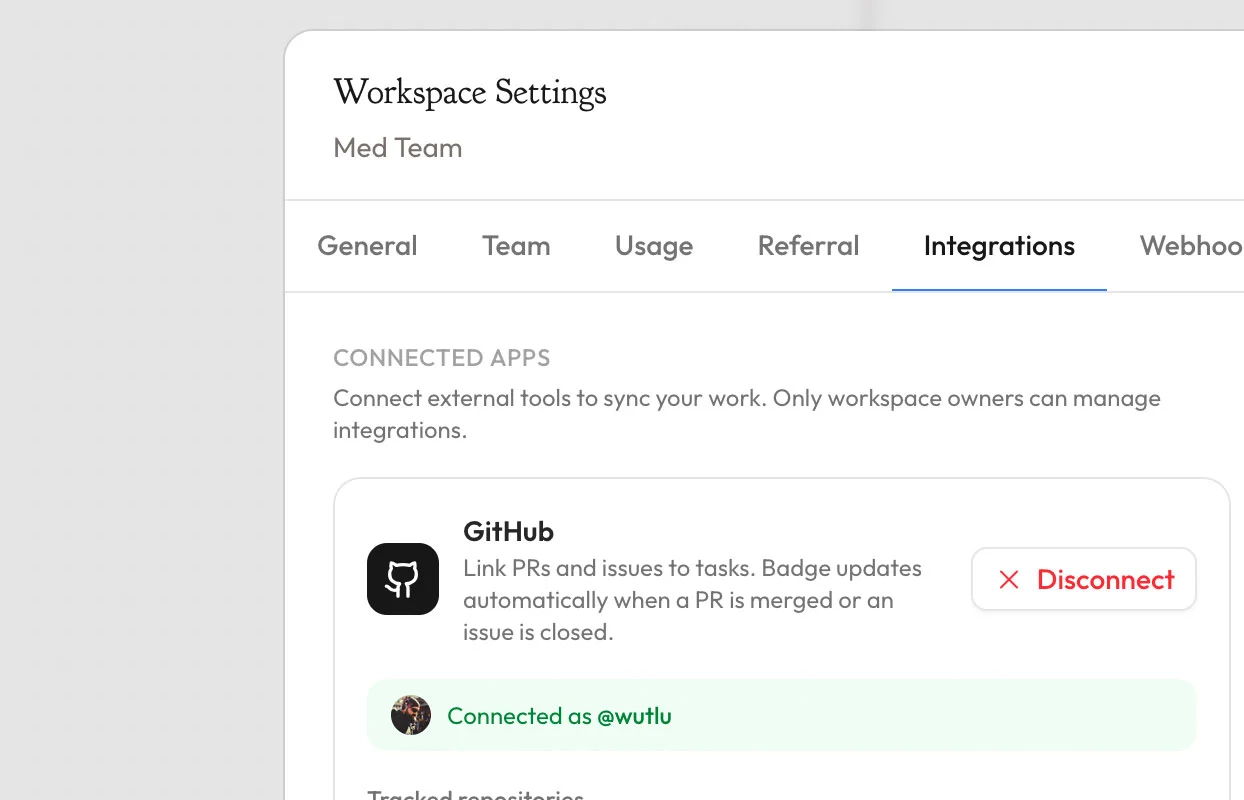
is.team connects with the tools development and product teams already use through native integrations and webhook-based automation. GitHub integration links pull requests and issues to task cards with automatic status synchronization — when a PR is merged, the linked task can automatically move to a done column. Slack integration sends Block Kit-formatted notifications to selected channels for task assignments, comments, and status changes. Google Drive integration enables inline file previews directly in task cards without leaving the workspace. Figma integration provides sandboxed embeds for design file previews with two-step URL-to-preview attachment flow. Google Calendar sync automatically creates calendar events from task due dates. For custom workflows, outgoing webhooks with HMAC-SHA256 signing send event payloads to any endpoint, compatible with Zapier and Make automation platforms. OAuth flows for GitHub and Slack use secure state tokens with 10-minute TTL and one-time use.
Automation and Webhook Architecture
is.team's automation system operates at two levels: built-in card automation rules and external webhook integrations. Card automation includes auto-complete on column move, auto-assign reporter, auto-set due dates (configurable N days from creation), auto-label with custom colors, auto-archive completed tasks after N days, auto-move stale tasks via daily cron job, maximum work-in-progress limits per column with overflow warnings, and apply-on-drop triggers for cross-column handoffs. Outgoing webhooks fire on task create, update, delete, comment, and status change events, each signed with HMAC-SHA256 for payload verification. The GitHub webhook endpoint verifies X-Hub-Signature-256 headers using timing-safe comparison to prevent signature bypass attacks. Rate limiting applies per-route: default limits for authorization endpoints, relaxed limits for repository listing, and strict limits for GitHub search API calls (30 per minute). All integration tokens are stored in Firestore with automatic refresh — Google tokens refresh via OAuth2, Figma tokens refresh via Basic auth.
