
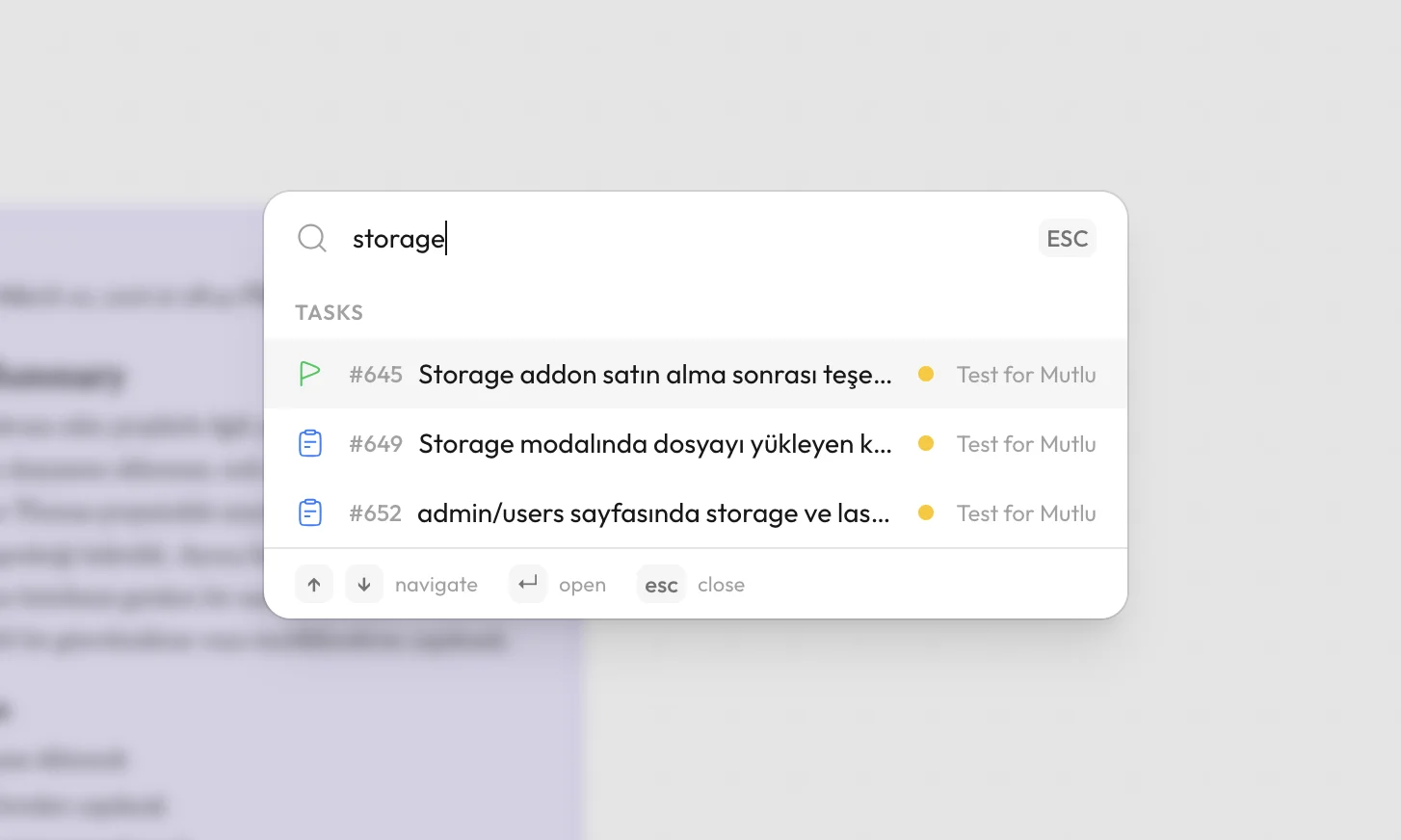
Search in is.team
How Does Search Work in is.team?
is.team provides full-text search across all tasks, boards, and notes within a workspace. The search interface opens via keyboard shortcut (⌘K on Mac, Ctrl+K on Windows) with an instant-results dropdown that filters as you type. Search indexes task titles, descriptions, comments, labels, and assignee names, returning results ranked by relevance with highlighted matching terms. Each result shows the task type icon (color-coded: blue for task, red for bug, green for feature, sky for story), priority indicator, assignee avatar, board name, and column status for quick identification without opening the task. Search results are clickable and navigate directly to the task within its board context on the canvas. For teams with multiple boards, search spans the entire workspace — finding a task on any board from a single query. The search system works in real time, indexing new and updated tasks immediately. Combined with advanced filters for assignee, priority, label, date range, and type, search provides comprehensive task discovery for workspaces of any size.
