

Time Tracking in is.team
How Does Time Tracking Work in is.team?
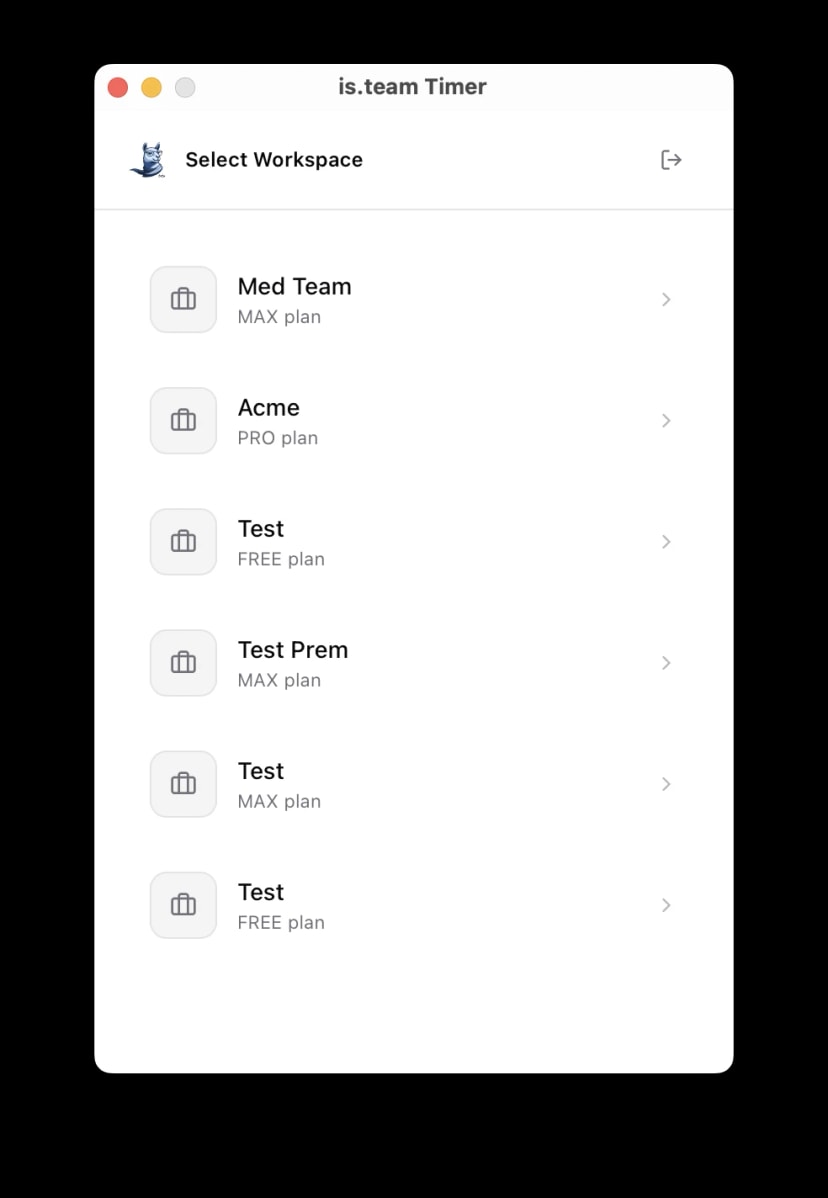
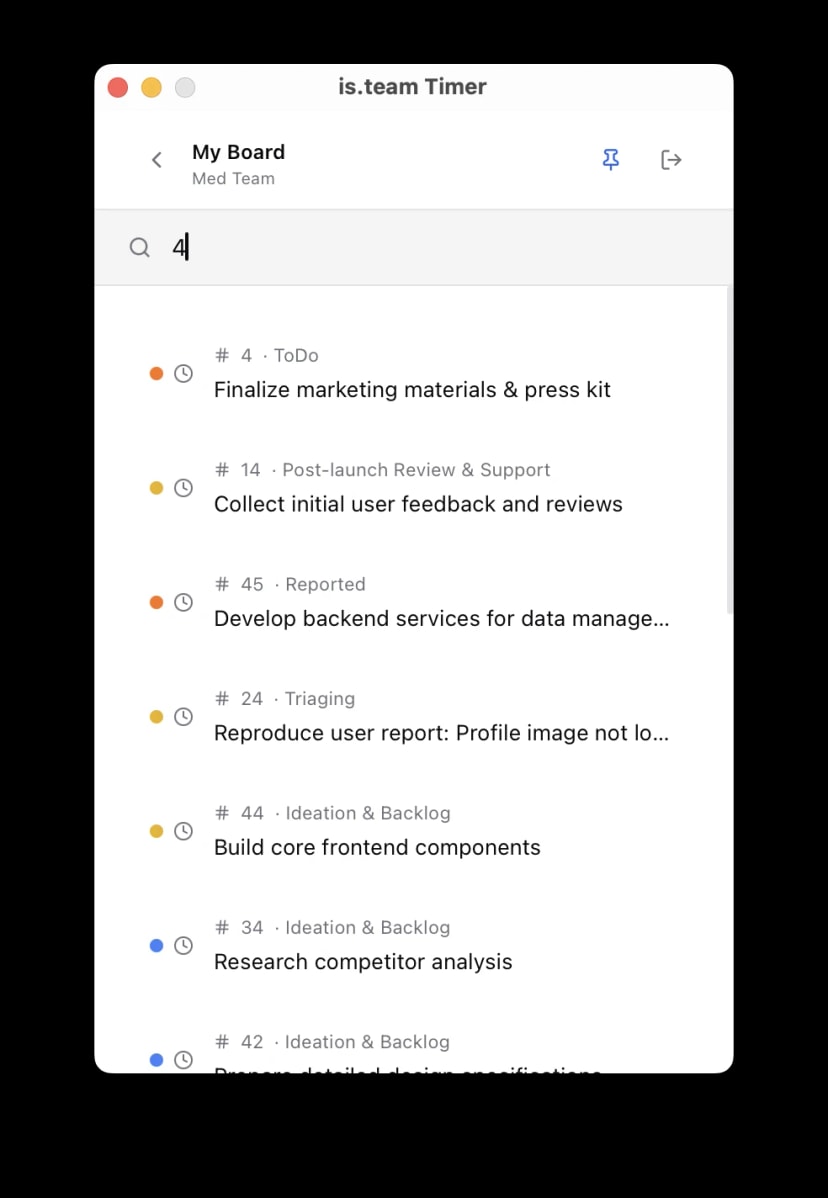
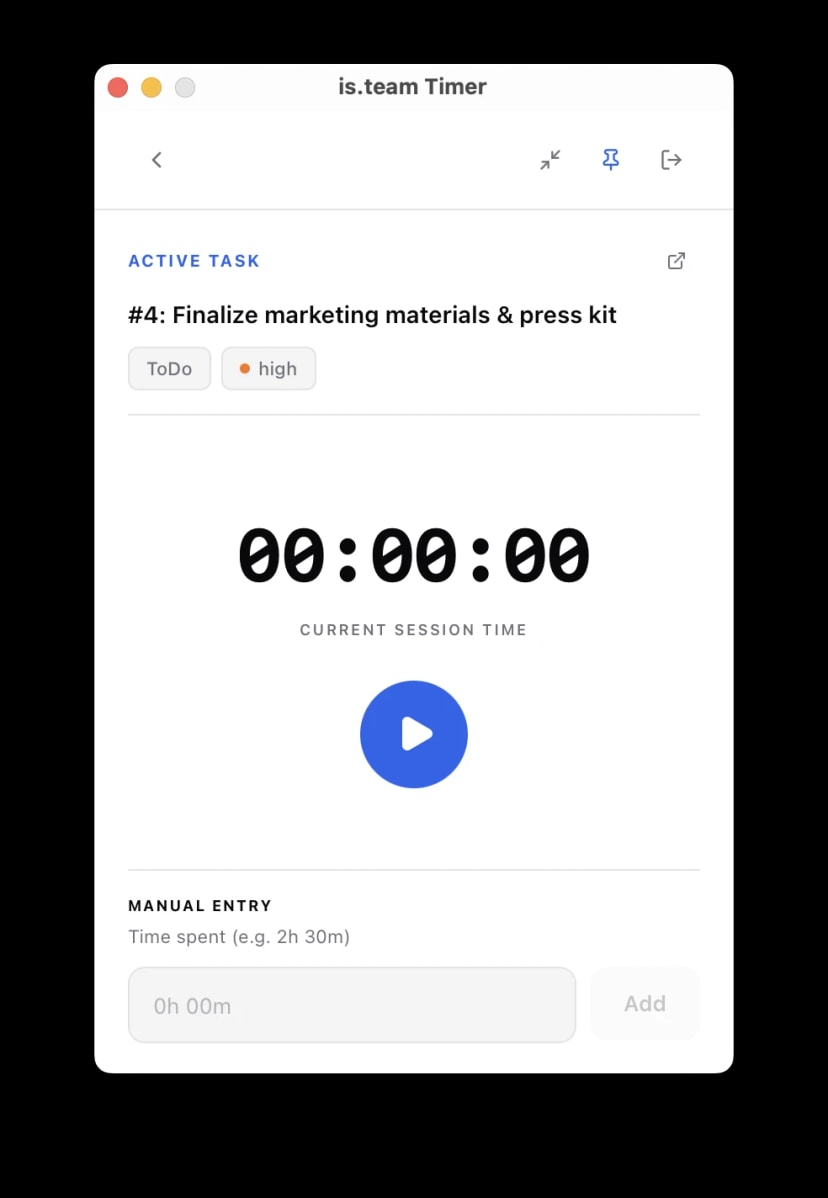
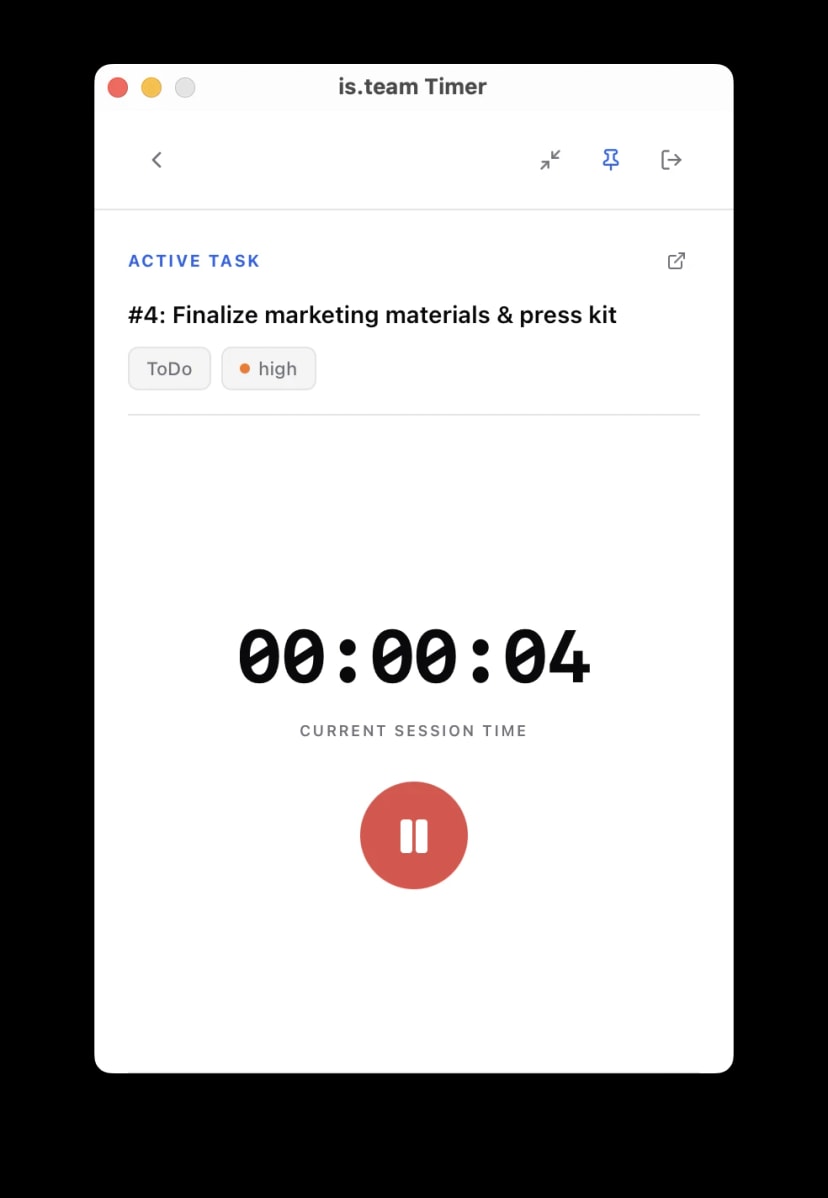
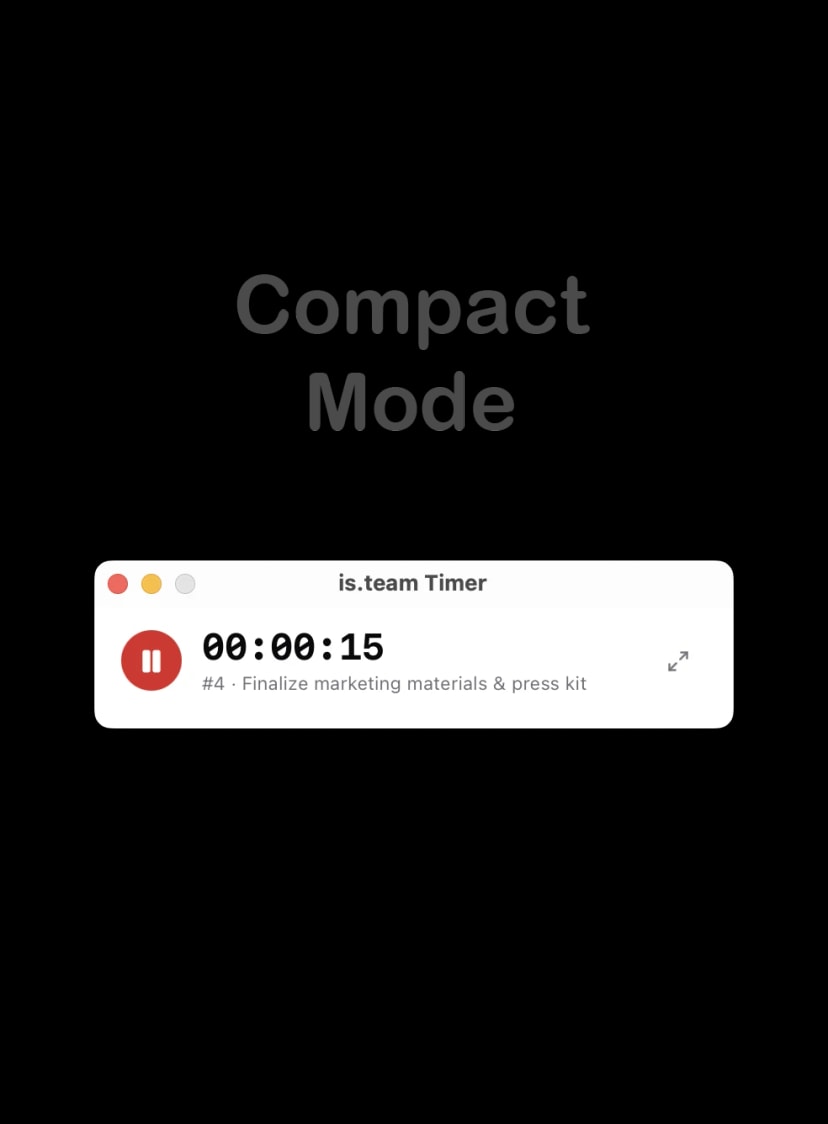
is.team includes a comprehensive time tracking system built into every plan at no additional cost. Users log time directly on task cards through manual worklog entries with descriptions, a built-in Pomodoro timer (25-minute work / 5-minute break cycles), or the quick-log shortcut (⌘⇧T on Mac). AI-powered time estimation suggests durations based on task complexity, story points, and historical data from similar tasks. The smart recovery feature detects forgotten running timers and prompts users to save or discard accumulated time. A native desktop timer app is available for macOS, Windows, and Linux, with offline queueing that syncs entries when connectivity returns. Weekly timesheets display logged hours per task with CSV export for invoicing and payroll. Time analytics dashboards show daily, per-member, and per-task breakdowns with visual charts. Every entry can be marked as billable or non-billable, feeding into the budget tracking system for accurate project cost reporting.
